

Garbage Collector
The Garbage Collector page lets you enable JVM GC logging on a managed Spring Boot instance, trigger an on-demand collection, and download the resulting log file. GC logging is normally off in production. The page exists to switch it on for a focused investigation and then turn it off again.
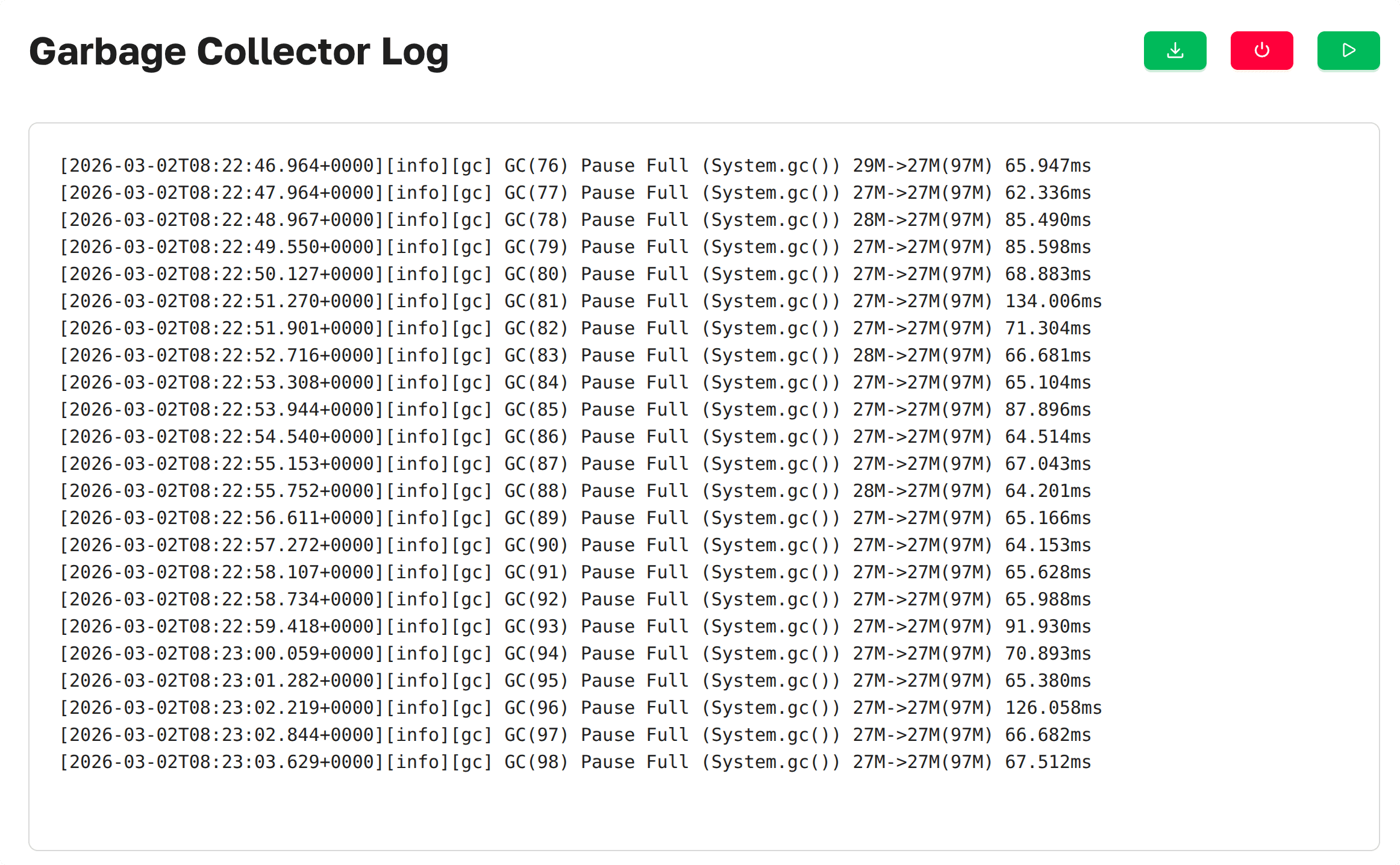 Garbage Collector as
presented in Axelix UI
Garbage Collector as
presented in Axelix UI
Access
Reading the GC log file and inspecting the logging status are available to every authenticated user — VIEWER, EDITOR, ADMIN, and SUPER_ADMIN can all open the page and download an existing log. The active controls are gated by a separate authority:
- Trigger GC, Enable GC Logging, and Disable GC Logging require the
GARBAGE_COLLECTORauthority.
GARBAGE_COLLECTOR is granted by the built-in EDITOR, ADMIN, and SUPER_ADMIN roles. VIEWER sees the
buttons but the destructive ones stay disabled. See Roles and
authorities for the full
role/authority matrix.
When a control button is visible but your account lacks this authority, Axelix keeps it disabled and shows a tooltip with the corresponding message on hover.
Enabling GC logging
GC logging is off by default. The page shows an empty-state with an Enable GC Logging button until logging is turned on. Clicking it opens a modal where you pick the JVM log level:
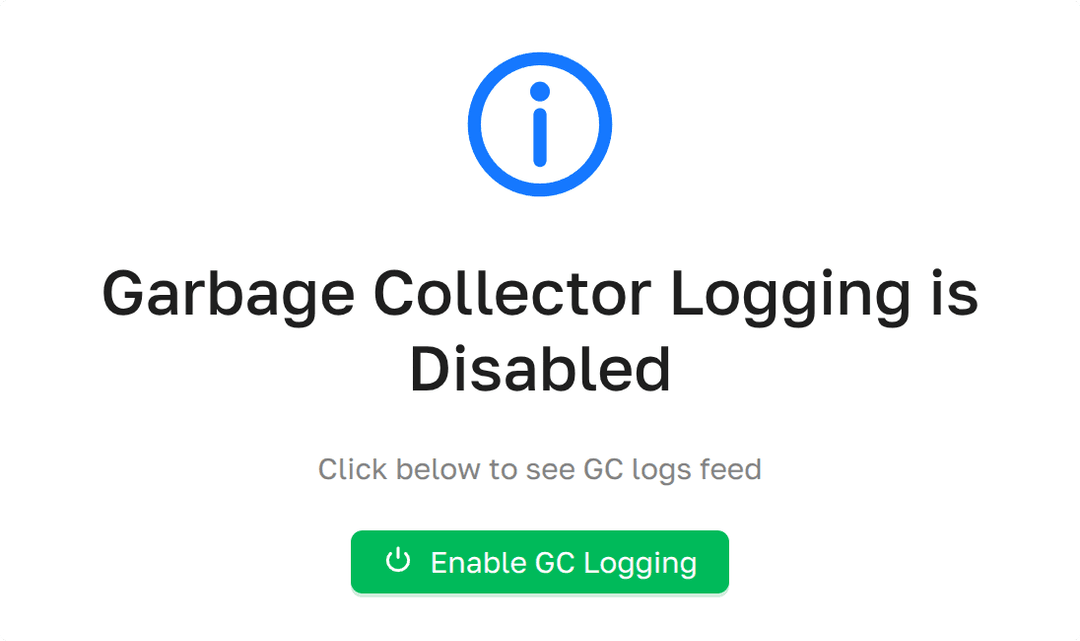
The level list is taken at runtime from jcmd VM.log list on the target instance — typically error, warning,
info, debug, trace.
Working with logs
Once logging is enabled, the page header exposes three actions:
- Trigger GC
 — forces a collection by invoking
System.gc()on the instance, so you do not have to wait for a natural GC event to produce entries. RequiresGARBAGE_COLLECTOR. - Download GC Log
 — streams the current GC
log file to the browser as
— streams the current GC
log file to the browser as text/plain. Read-only — available to everyone. - Disable GC Logging
 — switches GC logging
back off without touching the already-written log file. Requires
— switches GC logging
back off without touching the already-written log file. Requires GARBAGE_COLLECTOR.
A representative line from a downloaded GC log, annotated:
[2026-03-02T17:38:55.009+0000][info][gc] GC(428) Pause Full (System.gc()) 29M->28M(97M) 82.955ms
              │                  │    │    │               │               │    │   │       │
              │                  │    │    │               │               │    │   │       └─ GC pause duration
              │                  │    │    │               │               │    │   └─ Total heap
              │                  │    │    │               │               │    └─ After heap
              │                  │    │    │               │               └─ Before heap
              │                  │    │    │               └─ GC event description
              │                  │    │    └─ GC event ID
              │                  │    └─ Log tag (subsystem)
              │                  └─ Log level
              └─ Timestamp (ISO-8601 with timezone)
Enable Dedicated Actuator Endpoint
If you are on Axelix 1.2.0 or later, none of this is required: the starter registers its custom actuator endpoints by itself, and Axelix no longer requires the health/info endpoints to be enabled — it works perfectly well without them. No configuration is needed here.
The page is backed by the axelix-gc actuator endpoint contributed by the Axelix Spring Boot Starter. Expose it through
the standard Spring Boot Actuator properties — see Configuring Spring Boot
Starter for the full list
of Axelix endpoints and surrounding setup:
management.endpoints.web.exposure.include=axelix-gc